Image Converter and Compressor in One Tool
Convert and compress images online in your browser. Change formats between JPG, PNG, WEBP and convert HEIC photos from iPhone. Reduce and upscale file size without uploading images to servers. 100% private browser-based image converter.
Browser-Based Image Processing
This tool detects the original image format, file size, and pixel dimensions so you can see exactly what you are converting before downloading the optimized version. The compression slider controls how much quality is preserved during conversion. Higher values keep more visual detail, while lower values produce smaller file sizes that load faster on websites. If you want only to convert without compression - set Compression quality slider to 100%.
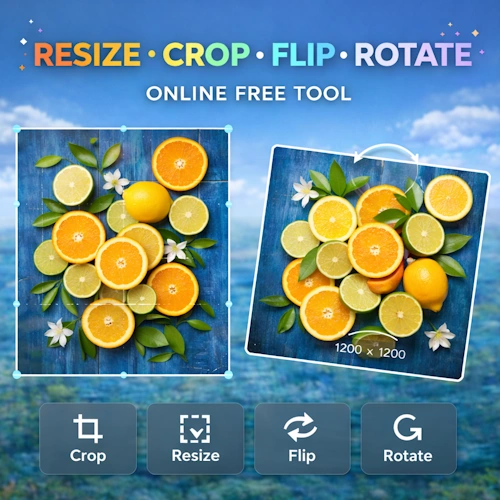
This tool ideal for web optimization, faster page loading, SEO performance, and reducing bandwidth usage. Smaller images improve website speed, which helps both user experience and search engine rankings. If you want to crop, resize, rotate, or flip your images, use our Resize, Crop, Rotate and Flip Image Online Free Tool
HEIC and iPhone Photo Support
Photos taken on many Apple devices are saved as HEIC or HEIF files. These formats are efficient but not always supported by websites, older software, or some browsers. This tool automatically converts HEIC images into JPG or WEBP, making them compatible with nearly any platform.
This is especially useful when uploading photos to websites, online forms, social networks, blogs, or content management systems that require standard image formats.
Common Uses
This image converter and compressor is commonly used to:
- Convert PNG to JPG or WEBP
- Convert HEIC photos from iPhone to JPG
- Reduce image file size for faster websites
- Upscale images to increase the resolution
- Prepare images for blogs, online stores, and social media
- Optimize pictures before uploading to CMS platforms
- Compress images without installing software